Gates and automation
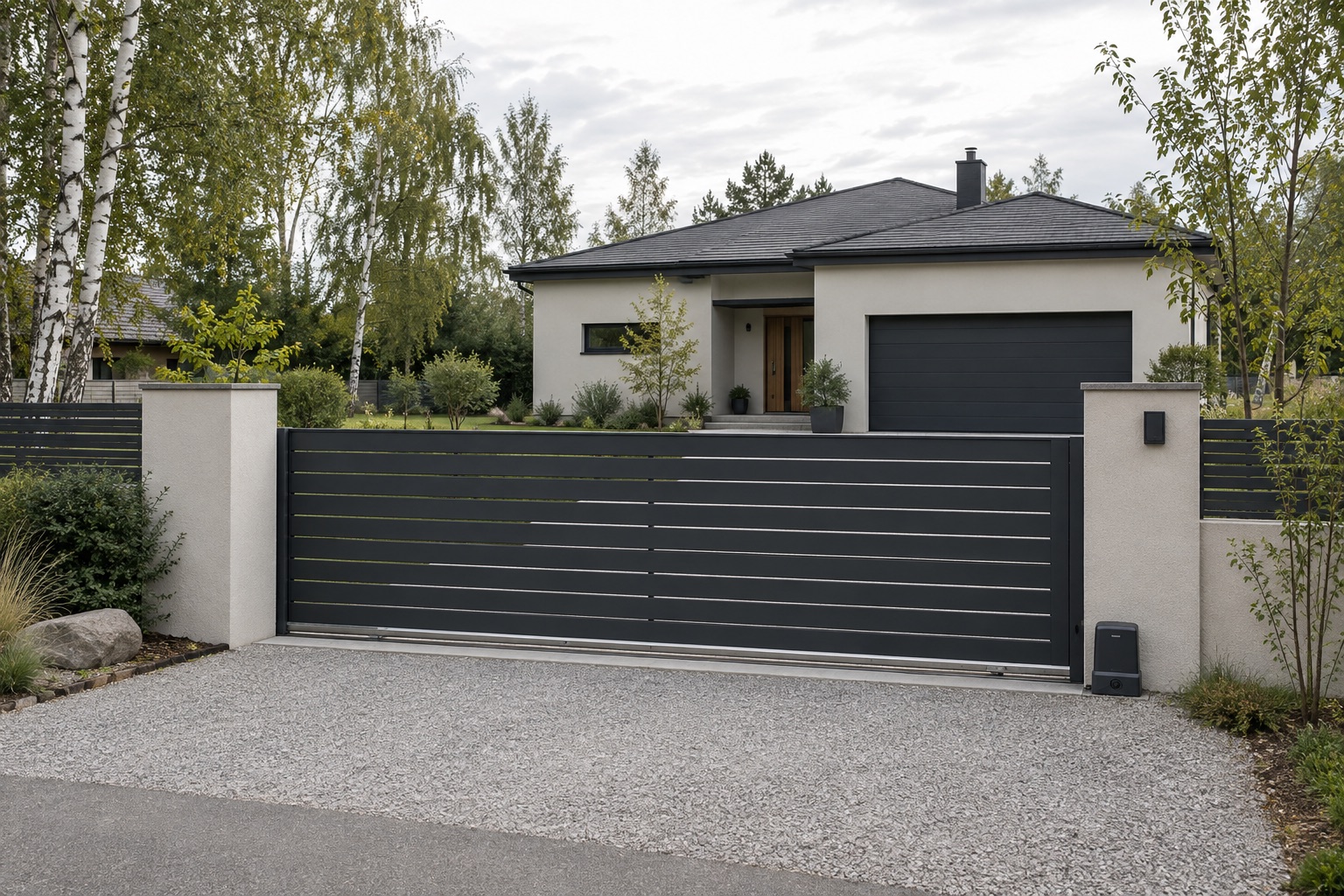
Gates, barriers, roller shutters and access control.
- Drives, control units, photocells, remotes
- Replacements with the full chain
- Maintenance visits in the calendar
Эта страница есть на русском.
Открыть по-русскиSites, equipment, completed work, photos and documents in one place — ready before the next visit.
Harbour Road 8 · demo address
Filters cleaned, drain and pressure checked.
Drive, photocells and GSM module installed.
Sample interface · fictional data
Context in one place
Current configuration
Every visit in its place
CHOOSE YOUR LINE OF WORK
Every industry starts with its own catalogs, work templates and words in the interface. Everything can be adjusted later.
Gates, barriers, roller shutters and access control.
Air conditioning, ventilation, heat pumps.
Customer cars: repairs, service, part replacements.
FROM THE FIRST INSTALLATION TO THE NEXT CALL
The next visit starts with what is already known. Save the details once and come back to them again.
Northside Park
Harbour Road 8 · demo
Barrier
One site. Every technical detail.
Control box key is at the security desk.
Switch off power in the guard house before service.
Filters and heat exchangers cleaned, drain checked.
Alex · demo technicianMain entrance · drive and GSM module
Demo B400
SAMPLE RESULTBarrier · Demo B400
Demo data
WHAT IS ALREADY IN KEYRAX PRO
Works in the browser on a phone and a computer. Nothing to install.
Every component with its model and serial number. A replacement keeps the chain: what was there before and when it changed.
Installation photos, diagrams and PDFs next to the site, the system or the work entry.
A team board and planned visits by date and time. Everyone sees where they go this week.
A contractor gets a link, fills in the report and adds photos without an account. You accept it or send it back.
Invite technicians and choose who sees all sites, who manages clients and who reviews work.
By client name, phone, address, model or serial number — even years after the last visit.
Installation photos, diagrams and PDFs sit next to the equipment they belong to. Images are compressed and stripped of location data.
Files are private: only members of your company can open them.
TWO PERSPECTIVES
Today — a tool for the specialist. Later — a clear history for the owner.
A workspace for those who install and service.
Future access by invitation from the service company.
Equipment, documents and the service history they are allowed to see. The owner portal is not built yet.
QUESTIONS
For teams that install and service equipment on their clients’ sites: gates and automation, climate systems, auto service. From a single technician to a small company with contractors.
No. Keyrax works in the browser on a phone and a computer. Sign up and add your first site.
Yes. The industry only sets the starting catalogs and wording. Clients, sites and history are shared, and catalogs can be changed at any time.
Yes. A work order is sent as a link: the contractor sees only the job, fills in the report and adds photos. You accept the result or send it back.
Invite colleagues by link. The owner chooses who sees all sites, who manages clients, tasks and work orders, and who can edit other people’s entries.
Only members of your company. Data of different companies is isolated, and files are served only after an access check.
THE HISTORY STARTS HERE
Save today what you will need on the next call.
Start free